

Instead of manually answering the same course and coaching questions after every app launch, connect HelpShelf to Cursor through the website you build and deploy: prepare approved support content, follow the current widget installation instructions, and test cited answers in the running app. Cursor is where you edit the application; the visitor-facing connection belongs in the application itself.
- To connect helpshelf to cursor, configure the deployed application, not just the editor.
- HelpShelf suits creators who need a support chat widget with answers grounded in their own content.
- Confirm installation requirements before changing application code; never invent a script URL or configuration field.
- Test citations, private-content boundaries, navigation, and lead capture before publishing.
Why this matters
A visitor opens your coaching app at 11pm and asks whether a lesson covers their situation. A chat bubble alone does not solve that problem. The answer needs an approved source, a citation the visitor can use, and a clear boundary when the content does not answer the question.
HelpShelf is best for course creators, coaches, and community owners who need a support chat widget grounded in their own content. Its stated role is answering pre-sale and support questions with cited sources and capturing leads—not deciding exceptions to your policies.
Start with HelpShelf and the current installation instructions for your account. For a 2026 release, treat the connection as an application change: review the code, test the deployed result, and keep a rollback ready.
Before you start
- Account and deployment access: Have access to the widget account, its current installation instructions, your application repository in Cursor, and the hosting environment. Obtain any account-issued installation code before editing the application.
- Approved source material: Prepare current course descriptions, lesson references, support instructions, and published policies. Separate material visitors can read from material reserved for members.
- The non-obvious gotcha: Signing into your application does not, by itself, establish that a separate chat service applies the same member permissions. Confirm content-access behavior before connecting restricted lessons or personal information.
Keep account administration credentials and server secrets out of browser code. A browser-visible installation identifier is not the same thing as a secret; follow the provider's instructions about which values belong in the client.
If the installation instructions do not address your framework or restricted-content requirements, resolve those questions before deployment. Do not ask Cursor to fill the gaps with a plausible endpoint or package name.
Source set
Prepare the answer boundary
- Choose the audience. Decide whether this installation serves prospective buyers, signed-in members, or both. Write down which content each audience is allowed to receive.
- Select approved material. Use the content-input methods supported by the account. Include the published explanation that actually answers each recurring question, rather than a collection of unrelated files.
- Remove conflicting instructions. Resolve contradictory course descriptions and policies before submitting them as sources. A newer document should not silently coexist with an obsolete instruction that says the opposite.
- Define unresolved-question handling. Specify what should happen when published material does not contain an answer. Use a documented configuration mechanism where available, then verify the behavior in testing.
Expected result: You have an approved source set with a clear audience boundary. For each test question, you can identify the passage that should support the answer—or identify that no answer is authorized.
Do not use the source collection as a place to store private customer records. A member's billing history is not general support documentation.
For your 2026 source review, include a simple ownership record: who maintains the course description, who approves policy changes, and who resolves conflicting text. This is your operating process, not a claimed product setting.
Prepare refusal examples
Write acceptance criteria before testing. These are proposed response patterns, not quotations from the product:
- An unpublished discount request should receive a boundary such as: I can only quote what's published.
- A refund-exception request should direct the visitor to the published policy and your human review process.
- An earnings question should not become an income promise.
- A request for another member's information should not reveal personal details.
The benefit of source-grounded support is a traceable answer. The limitation is equally concrete: missing or contradictory documentation still needs your attention. Read the guide to citing sources from your own content when preparing that acceptance checklist.
Application placement
Add the documented installation
- Inspect the application structure in Cursor. Find the shared layout or entry point that controls the intended pages. Identify whether the application renders on the server, in the browser, or both.
- Review the installation instructions. Confirm the supported installation method and required placement. Use only the supplied code, documented package, or documented procedure; do not substitute a guessed script address.
- Ask Cursor for a focused change. Instruct Cursor to apply the documented installation to the intended pages without changing authentication, unrelated layouts, or source permissions.
- Review the proposed changes. Check for duplicate loading, unexpected dependencies, hard-coded secrets, and changes outside the support integration. Accept the change only after reviewing what it does.
- Deploy to a test environment. Open the running application in a browser. An editor preview or a successful build is not proof that the visitor-facing widget works.
Expected result: The chat interface appears on the intended test pages, with no new application error attributable to the installation. Keep the previous deployment available until the checks below pass.
A useful instruction to Cursor is: Apply the supplied installation instructions to the shared layout for the selected routes. Preserve authentication and existing page behavior. Explain each changed file. Do not invent installation code.
This prompt constrains the edit. It does not replace reviewing the resulting code.
Choose the support surface
There are two adjacent workflows worth separating. Neither is universally better; the distinction is what the visitor is allowed to know.
| Workflow | Best for | Advantage | Limitation |
|---|---|---|---|
| Public pre-sale support | Visitors evaluating a course, coaching offer, or community | Answers can use approved public descriptions and published policies | Must not expose member-only lessons or imply account access |
| Signed-in member support | Members asking about material they can access | Support can be placed inside the learning experience | Requires verified content-access boundaries; login alone is insufficient |
Start with public material when private-content access has not been verified. You can still answer useful questions about the published curriculum without making restricted lessons part of the answer source.
For a 2026 launch checklist, record where the widget should appear and where it should remain absent. That gives you a concrete deployment test instead of relying on memory.
Browser checks
Verify the deployed behavior
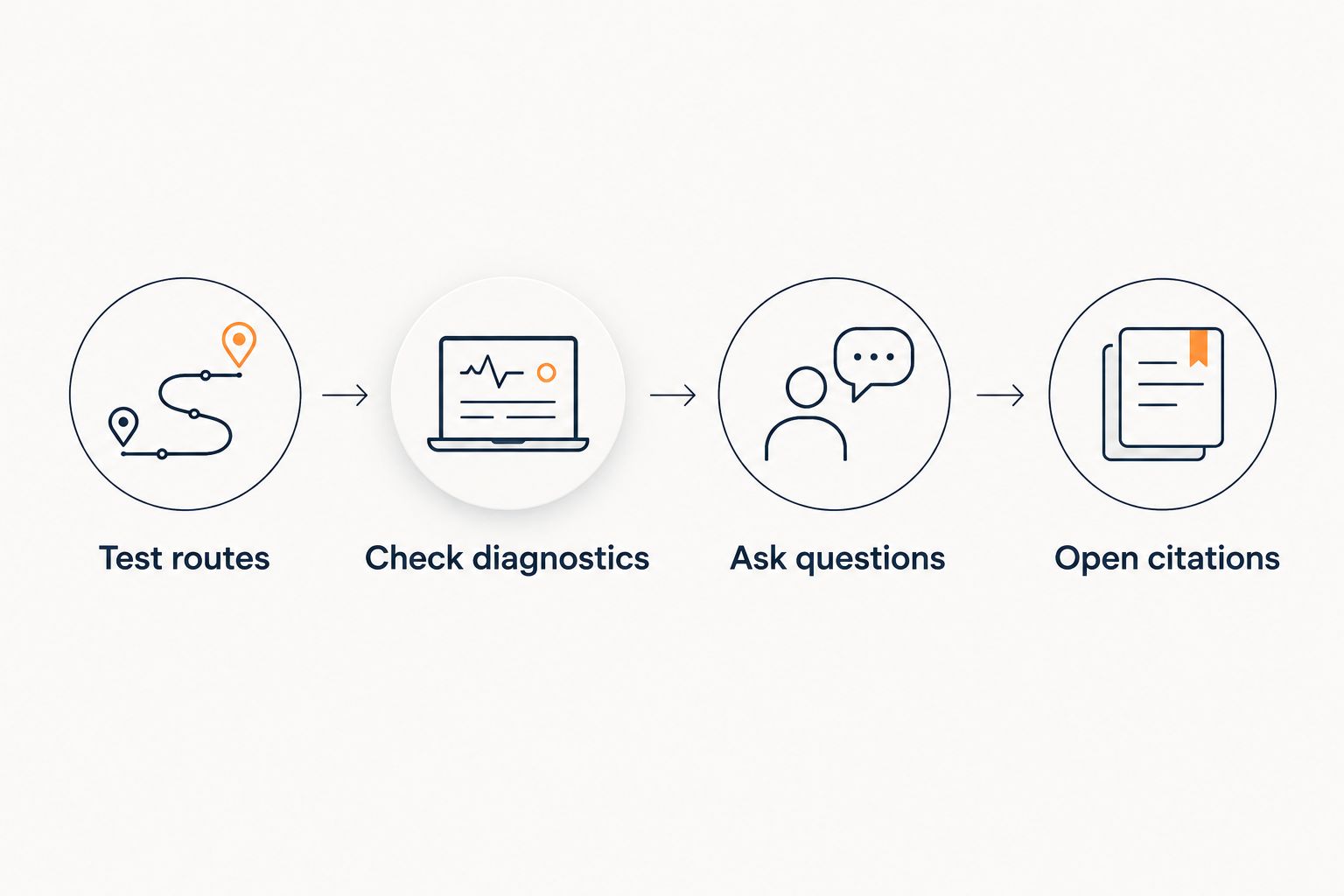
- Test 2 routes. Open a page containing the widget, navigate to another intended page, and return. Confirm that navigation does not create duplicate chat interfaces or remove the expected one.
- Check a direct page load. Open a nested application page directly rather than reaching it through navigation. Confirm that the installation works on both entry paths.
- Inspect browser diagnostics. Open developer tools and review Console for errors. Use Network to inspect failed requests associated with the installation; browser labels can differ by language.
- Run 6 test questions. Include a curriculum question, a lesson-location question, a published-policy question, an unpublished-discount request, an account-specific request, and a question absent from your sources.
- Open every citation in the test set. Check that the cited passage supports the answer and that the test visitor can access the destination appropriately.
Expected result: Documented questions receive supported answers, unsupported requests stay within your published boundaries, and citations work for the intended audience.
A citation is not proof by itself. If the answer says a lesson includes individual feedback, the cited passage must actually say that. A link to a broad curriculum page does not justify adding an unpublished benefit.
Record the question, answer, cited passage, and pass-or-fail result in your 2026 release notes. These are repeatable checks, not a measured accuracy score.
Support handoff
Test the unanswered-question path
- Choose a real human destination. Decide who owns requests that the published material cannot resolve. Keep the destination consistent with your actual support process.
- Configure supported lead capture. Use the current documented controls. Request only the information needed for follow-up, and make the purpose clear to the visitor.
- Submit a controlled test request. Use contact details you control and an unresolved question. Inspect the destination supported by the configuration and confirm what was recorded.
- Check the visitor's expectation. The conversation should distinguish an answer from a request for human follow-up. Do not imply that submitting a question guarantees an exception or a particular outcome.
Expected result: A visitor can leave an unresolved question through the configured process, and the responsible person can identify what needs a response.
For HelpShelf support, lead capture and cited answers solve different problems: one preserves a contact opportunity; the other explains what your material says. Neither proves that a human has already reviewed the request.
Update answers when your course changes
The second workflow begins when you publish a curriculum change, revise a support instruction, or replace a policy. Treat that content change as a support release, not just a document edit.
- Update the authoritative material and remove or clearly retire the superseded version.
- Apply the documented content-update process. Do not assume that saving a source document immediately changes every answer.
- Repeat the affected test questions and open their citations.
- Verify that the old instruction no longer appears in the tested answers.
Expected result: The revised answer points to the approved replacement, and the tested conversation no longer relies on the retired instruction.
Keep a 2026 change log connecting each source revision to its follow-up test. If only the content changed, avoid changing application code at the same time; separate changes are easier to diagnose.
Troubleshooting
The widget does not appear
Check whether the deployed page includes the documented installation, not merely whether the repository contains it. Inspect Console and Network for loading failures or content-security-policy restrictions. Adjust security rules only according to documented requirements; do not broadly disable them.
The widget appears twice after navigation
Inspect whether both the shared layout and a page component initialize the installation. Framework development behavior can also reveal repeated initialization. Follow the documented lifecycle approach and retest a production build before deciding the issue is resolved.
A server-rendered page fails after the change
Browser-only code that references window or document cannot execute in a server environment. Check where the installation runs and apply the framework's documented client-side boundary together with the widget's installation instructions.
Answers cite old or inappropriate material
Inspect the underlying source set before changing prompts. Remove conflicting versions, apply the documented update process, and rerun the failed question. If restricted material appears for a public visitor, stop that exposure and review content boundaries before restoring it.
Lead capture does not reach the expected destination
Repeat a controlled submission and inspect the configured destination. Separate a failed submission from an unanswered notification: they require different fixes. Do not tell visitors their request reached a person until the delivery path has been verified.
Customize your workflow
Expand only after the initial answer and handoff checks pass. Add another course's public material, another intended route, or another question category as a separate change, then repeat the relevant tests.
Keep the source boundary explicit. A question about a coaching offer should not borrow a promise from an unrelated course because both documents happen to be available.
Keep the first release narrow enough to inspect answer by answer. You will learn more from a small set of verified conversations than from publishing a large source collection you have not checked.
FAQ
How do I connect HelpShelf to Cursor for app support?
Install the chat widget in the application you edit with Cursor, using the current account-specific installation instructions. Prepare approved content first, then test the deployed app, citations, and unresolved-question path.
Do I install the support widget in the Cursor editor?
The visitor-facing support widget belongs in your application, not in the editor interface. Use Cursor to make and review the documented application changes.
Can Cursor write the installation code for me?
Cursor can help edit application code, but you should give it the actual installation instructions. Review the changes and reject guessed script addresses, packages, configuration fields, or secrets placed in browser code.
Can I use the widget inside a members-only app?
Use restricted content only after verifying how the chat service enforces access to that content. An authenticated application page does not automatically establish matching permissions in a separate service.
How do I check that a support answer is accurate?
Compare the answer with the exact passage cited for it. Also confirm that the visitor is allowed to access the citation and that the answer adds no unsupported benefits, policy exceptions, or promises.
What should happen when my course content does not answer a question?
The conversation should state the limitation and direct the visitor to your configured human follow-up process. It should not invent an answer, discount, refund exception, or income promise.
Do I need to change app code whenever a lesson changes?
A lesson revision starts with the documented source-update process, not an automatic application-code change. Retest the affected answers and citations; change the installation only when the current integration instructions require it.
One last thing
Test a question whose answer you deliberately left out of the approved sources. A fluent answer to that question is not a success.
The useful result is a clear boundary: the assistant explains what the published material supports and leaves the unresolved decision to a person. Keep that test when you add more content.


