

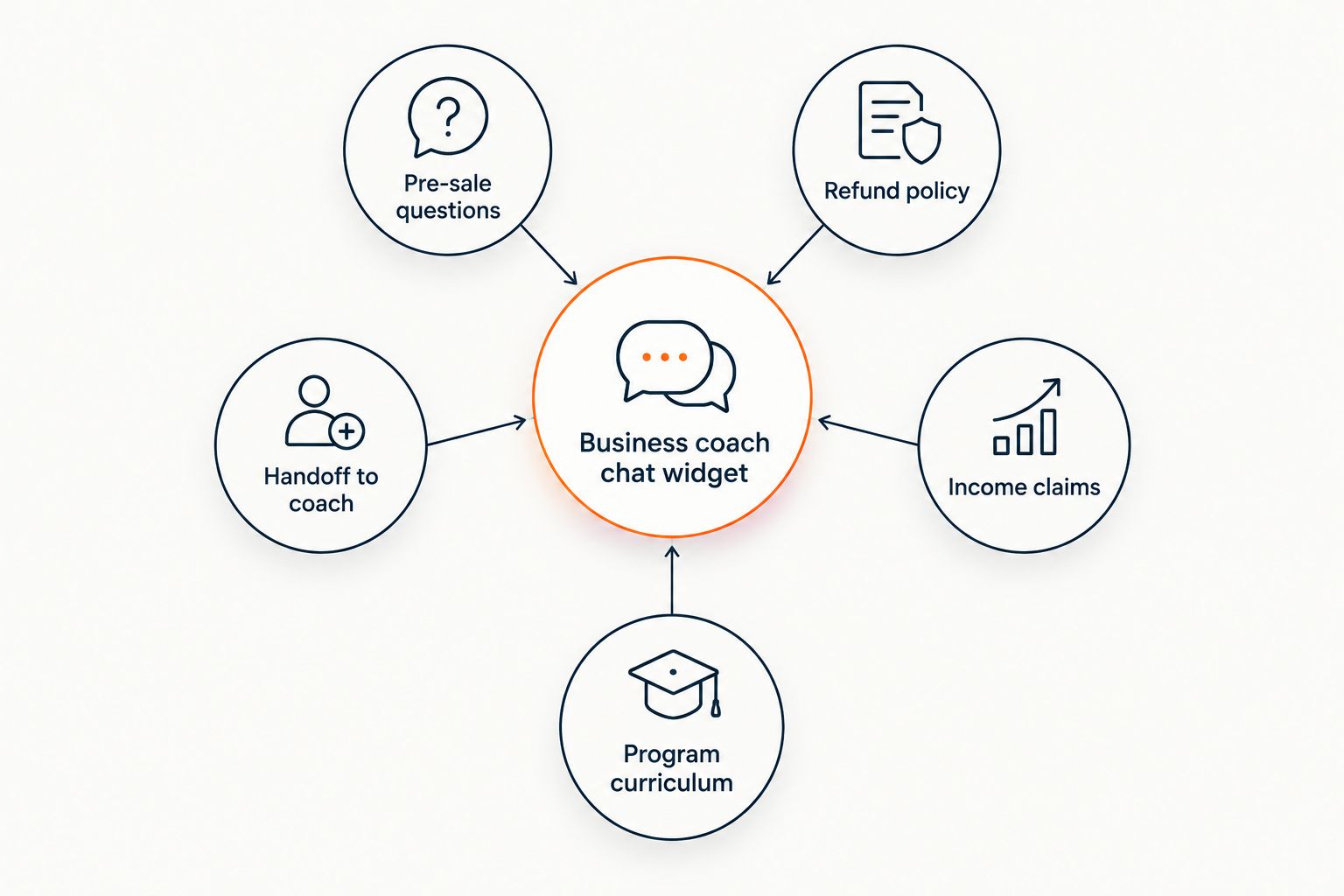
AI chat widget for business coaches is a support tool that answers a prospect's or client's question by reading the coach's own sales page, FAQ, curriculum, and refund policy, then citing exactly where the answer came from instead of guessing. Coaches carry a different risk than most SaaS founders: a wrong answer about a refund window or a hinted-at income outcome can turn into a chargeback or a compliance problem, not just a bad review.
- An AI chat widget for business coaches answers pre-sale and support questions from your own cited program content.
- HelpShelf refuses invented discounts, refund exceptions, and income promises by design - it quotes what's published.
- Route pricing-tier and 'book a call' questions to a human coach; the widget's job is information, not closing.
- Set up in an afternoon by pointing the widget at your sales page, FAQ, curriculum, and refund policy - no rebuild.
Why this matters for business coaches
It's 11pm and someone reading your sales page wants to know whether you offer a payment plan before they buy. By the time you see the DM the next morning, they've moved on to another coach's cart. That's the gap an AI chat widget closes for a coaching business specifically - not by chatting for the sake of it, but by answering the exact question that's sitting between a visitor and a purchase.
Coaches also get asked things a generic FAQ bot was never built to handle carefully: "will this work for someone at my level," "what happens if I don't hit my goals," "can I get a refund after week three." A widget that answers those with invented numbers or a soft promise creates a paper trail you don't want. A widget that says "I can only quote what's published" and points to your refund policy doesn't.
How to set up an AI chat widget for business coaches in 2026
Map the questions your funnel actually gets stuck on
Before you automate anything, pull the last 30 days of DMs, support emails, and sales-page comments and bucket them by type. This is free and it tells you exactly what the widget needs to know first.
- Payment plan and installment questions
- "Is this program right for me at my level" questions
- Refund and cancellation window questions
- Onboarding and access questions ("when do I get the link")
- Questions that edge toward asking about your track record or results
Build the source pile before you build the bot
An AI chat widget for business coaches is only as good as what it's allowed to read. Gather the pages first, in plain text or as live URLs, before you connect anything.
- Sales page copy
- Program curriculum or syllabus outline
- Refund and cancellation policy page
- Standalone FAQ page
- Onboarding email sequence
- Testimonials page (not results claims)
Pick a chat tool that can read that pile and cite it
The manual version of this step is a static chatbot script that reproduces exact FAQ text with no reasoning - fine for one question, brittle the moment someone phrases it differently. The faster path is a source-grounded AI widget like HelpShelf, which reads your sales page and curriculum and answers in the visitor's own words while still citing the page it pulled from. If you're weighing this against a tool built for a different buyer, the breakdown for consultants is a useful side-by-side since consultants face a similar mix of pre-sale and scope questions.
Write guardrails into the widget's instructions
This is the step coaches skip and regret. A widget without guardrails will try to be helpful, and "helpful" can drift into territory that gets you in trouble.
- Discount or coupon requests
- Refund exception requests ("can I get money back after the deadline")
- Income or earnings promises of any kind
- Comparisons that imply a "guaranteed" outcome
- Contract or legal terms not covered in your published policy
Set the handoff trigger before a hot lead goes cold
Decide, in writing, what counts as sales-ready and route those conversations to your calendar link or your own DMs instead of another bot reply.
- Any question about pricing tiers or payment structure
- Phrasing like "can I book a call" or "can I talk to you directly"
- Mentions of a specific budget or start date
- Signals that they're comparing you against another coach or program
Track what the widget answered versus what it punted
A weekly five-minute log review tells you where the source pile has gaps and where the widget should have escalated sooner instead of guessing.
- Questions it correctly refused (discount, refund exception, income)
- Questions it should have handed off but didn't
- Source pages that get cited most often
- Repeat questions with no good source page yet
Update the source pile every time your program changes
A new cohort date, a revised refund window, or an added module makes yesterday's answers wrong today. Update the linked page the same day you change it, not at the next content refresh.
- New cohort or start dates
- Updated curriculum modules
- Revised refund window
- New or retired payment plan options
- Retired bonuses or discontinued offers
Compare your options
| Option | Best for | Key limitation | Verdict |
|---|---|---|---|
| Manual DM/email support | Coaches with a small, early-stage audience | No coverage outside your waking hours | Hold |
| Generic live chat widget (Intercom/Drift-style) | Teams with staff typing answers live | No built-in citations; answer quality depends on who's on shift | Skip for pre-sale |
| Generic AI chatbot without citations | Deflecting simple, low-stakes FAQ traffic | Can invent refund or pricing details with no source trail | Skip |
| Source-grounded AI widget (e.g. HelpShelf) | Coaches who need pre-sale and support answers pulled from their own program content, cited | Still needs a human handoff for judgment calls like custom payment plans | Buy |
See HelpShelf answer your own content
Point it at your sales page and refund policy - see what it refuses.
Common mistakes business coaches make
- Letting the bot answer "will this work for me" or income questions instead of refusing and routing to a human - this is the single biggest liability in coaching chat.
- Skipping the refund policy page in setup, so the widget guesses on cancellation questions instead of quoting the actual window.
- Never updating the source pile after opening a new cohort, so the widget quotes stale dates to a prospect who's ready to pay.
- Treating the widget as a set-and-forget FAQ instead of checking chat logs weekly for questions with no good source yet.
- Skipping the handoff trigger entirely, so a buyer with budget and a start date sits in a bot loop until they close the tab.
If the crank on your guardrails is loose, the widget will find the gap - the discount question rarely trips it up, but a soft refund exception will.
“If your chat widget can promise a discount, it can promise anything - the discipline has to be built in, not asked for.”
FAQ
What does an AI chat widget for business coaches actually do?
It answers pre-sale and support questions by reading your sales page, curriculum, and policies, then cites the source page instead of guessing. HelpShelf is built around this citation step specifically for course creators and coaches.
Can the chat widget promise a discount or bonus?
No, a properly configured widget refuses discount requests and quotes only what's published on your site in 2026. This is a guardrail you set during setup, not a default behavior of every chatbot.
Will it answer income or results questions?
It should refuse and route the question to you directly rather than imply an outcome. Any widget that answers income questions on its own is a liability, not a feature.
Does it work on Kajabi, Skool, or Whop?
HelpShelf is built to work on the platforms coaches actually sell through, including Kajabi, Skool, and Whop. Check the platform-specific setup notes for exact integration steps.
How is this different from a generic live chat tool like Intercom or Drift?
Generic live chat tools rely on a human typing the answer or a script matching exact phrases, with no citation trail back to your content. A source-grounded widget reasons over your actual pages and shows where each answer came from.
What happens when the widget doesn't know the answer?
It says something close to 'I can only quote what's published' and hands off to you instead of inventing a plausible-sounding answer. That refusal is the point, not a failure state.
How long does setup take?
Most of the work is gathering your sales page, FAQ, curriculum outline, and refund policy into one place; connecting the widget itself typically takes an afternoon in 2026.
Does it replace a human coach for support?
No, it handles the repeatable pre-sale and logistics questions so you're not typing the same answer at 11pm, but judgment calls and custom situations still route to you.
One last thing
The guardrail that matters most isn't the discount refusal - it's the refund exception refusal. Discount questions are rare before someone buys; refund exception requests show up constantly after, and a widget that improvises one becomes the reason a chargeback happens. Build that refusal first, before anything else on the guardrail list.


